Translate every banner, menu, and mockup without rebuilding files
Text is detected, rewritten, and redrawn inside your existing design—keeping fonts, padding, and imagery intact. Perfect for ecommerce campaigns, menus, infographics, app screens, and slide decks.
Drop an image or click to upload
Translate posters, menus, slides, and product visuals. PNG / JPG / WebP supported.
Keeps layout
Spacing + overlays remain
Font-aware
Swaps similar typefaces
Auto-detect
Detects source language
Translate Text on Main Subject?
Turn off to protect embedded brand or SKU text.
Result preview
Waiting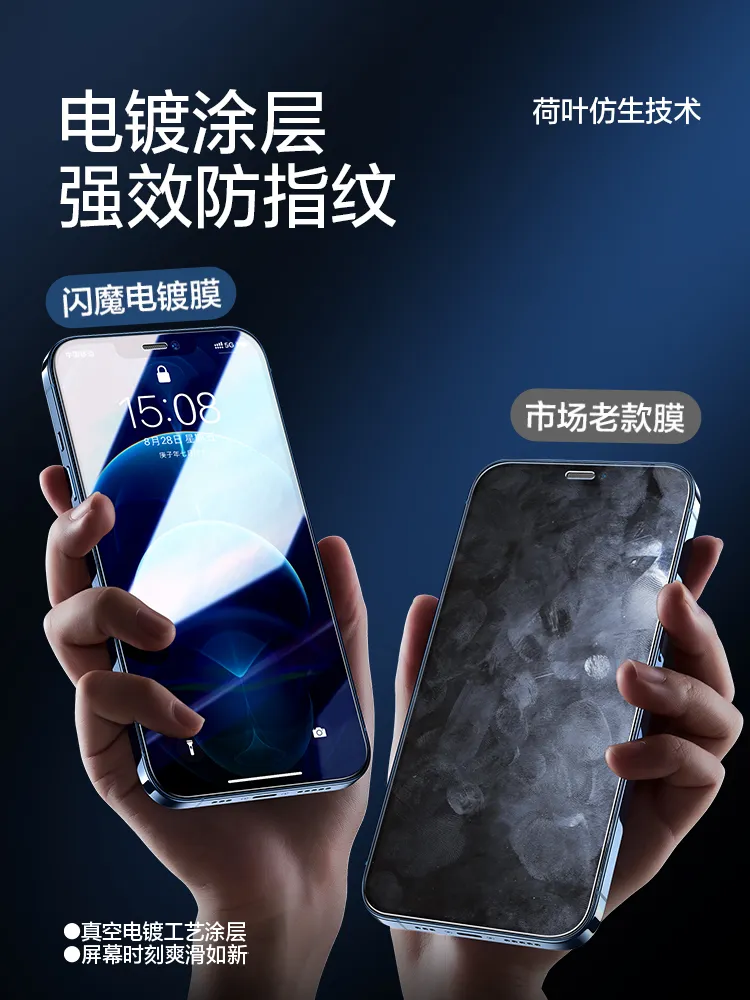
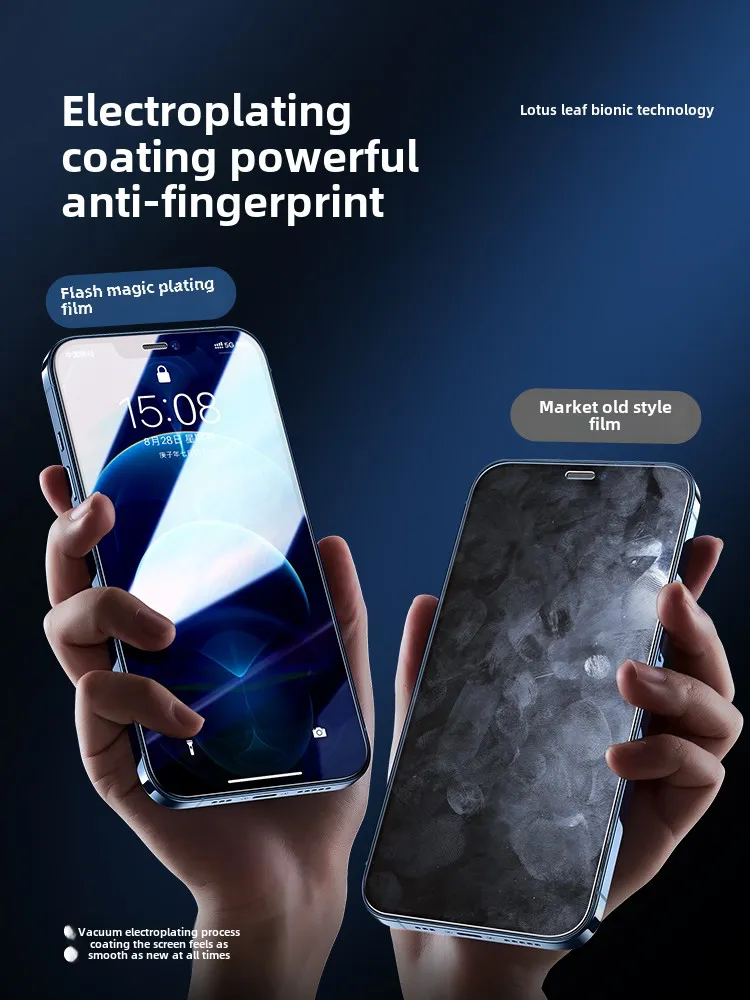
Layout-preserving
Keeps original spacing, alignment, and brand colors
Font-aware
Matches typography with safe alternates when needed
Seconds per image
Typical turnaround: 4–8 seconds
File | URL | Base64
Flexible input options for teams and workflows
Results
Before/after translations that keep your layout
Text is cleanly removed, translated, and redrawn into the same bounding boxes. No halo artifacts, no lost gradients, and typography remains legible on busy backgrounds.
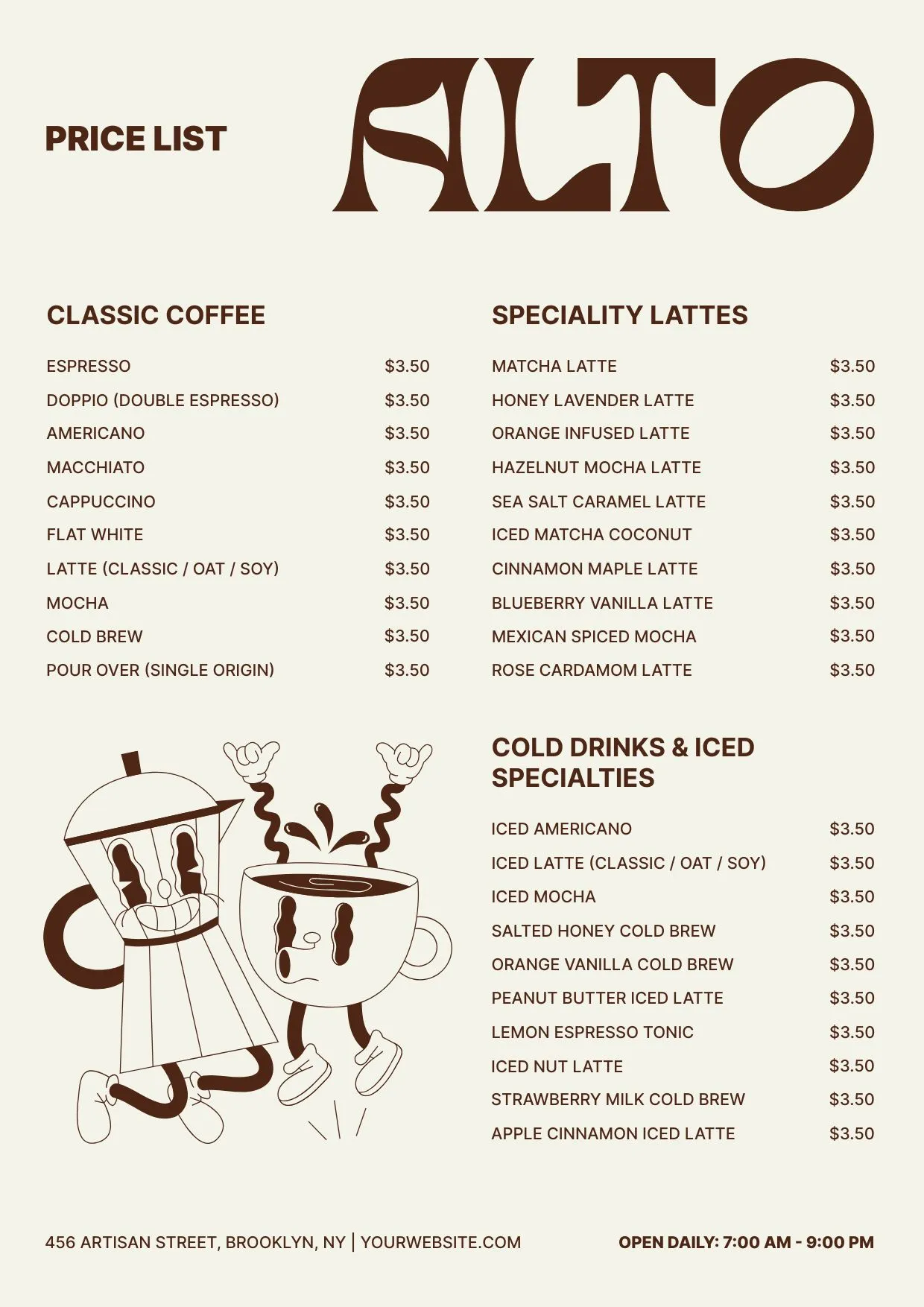
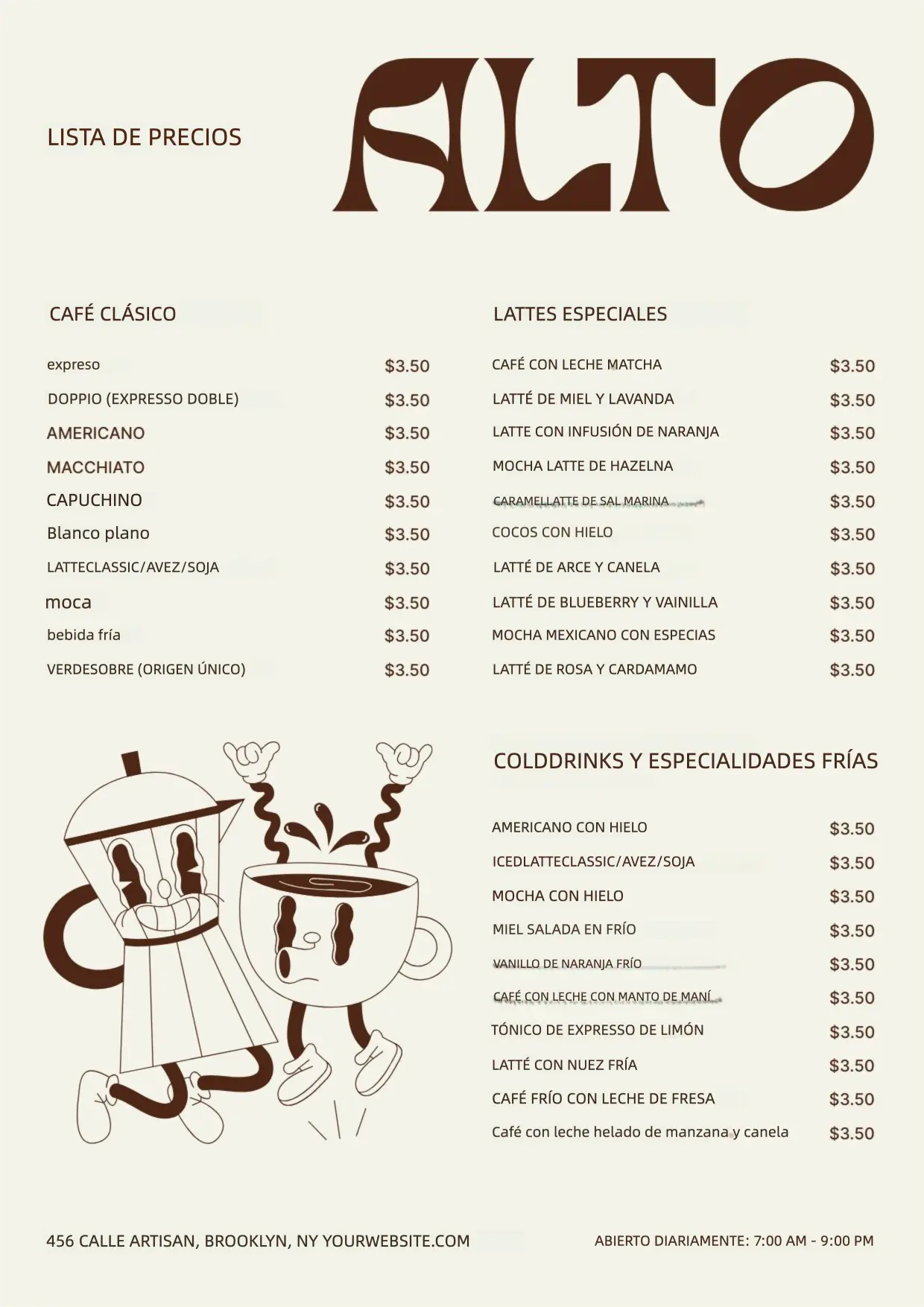
Coffee menu localized to Spanish
Retail · Menu board
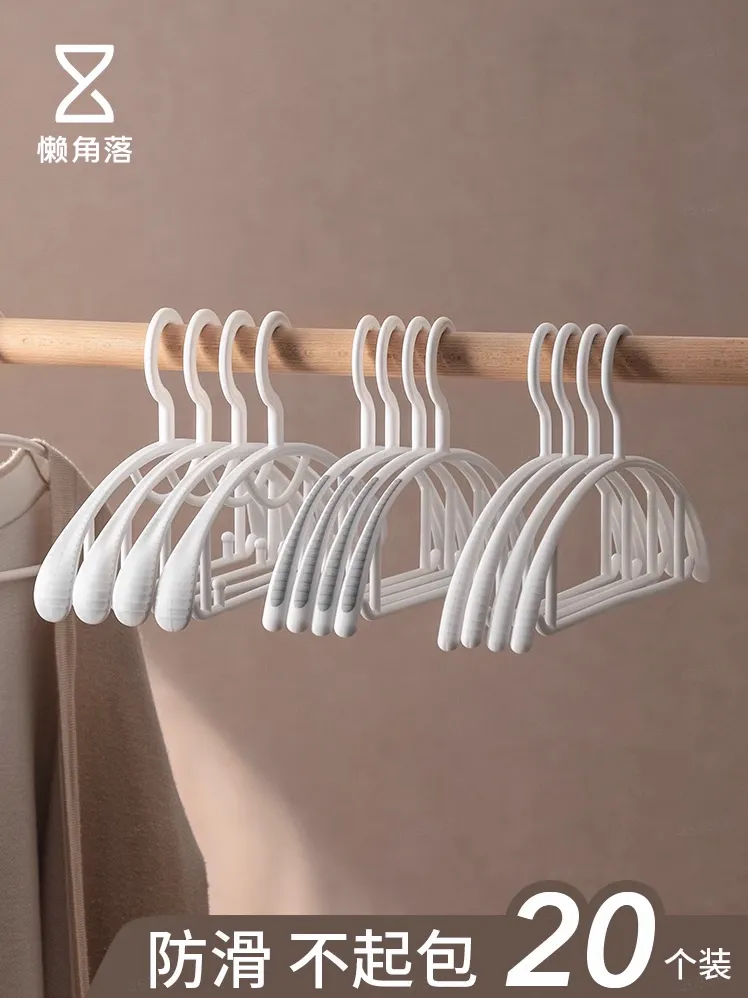
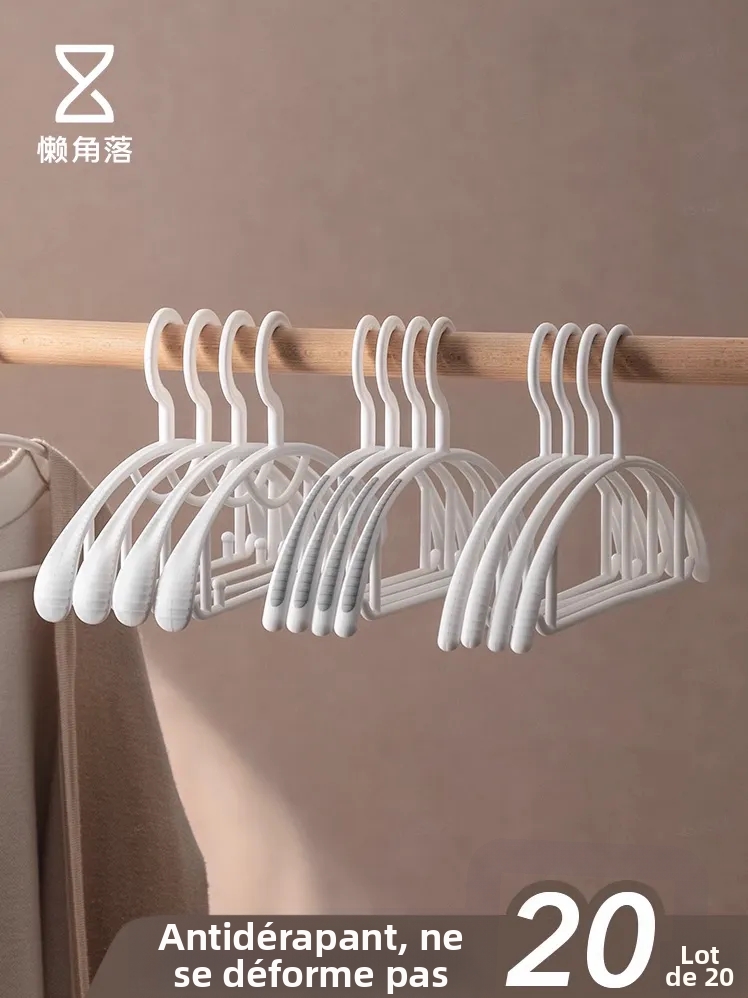
Product poster translated to French
Ecommerce · Campaign poster
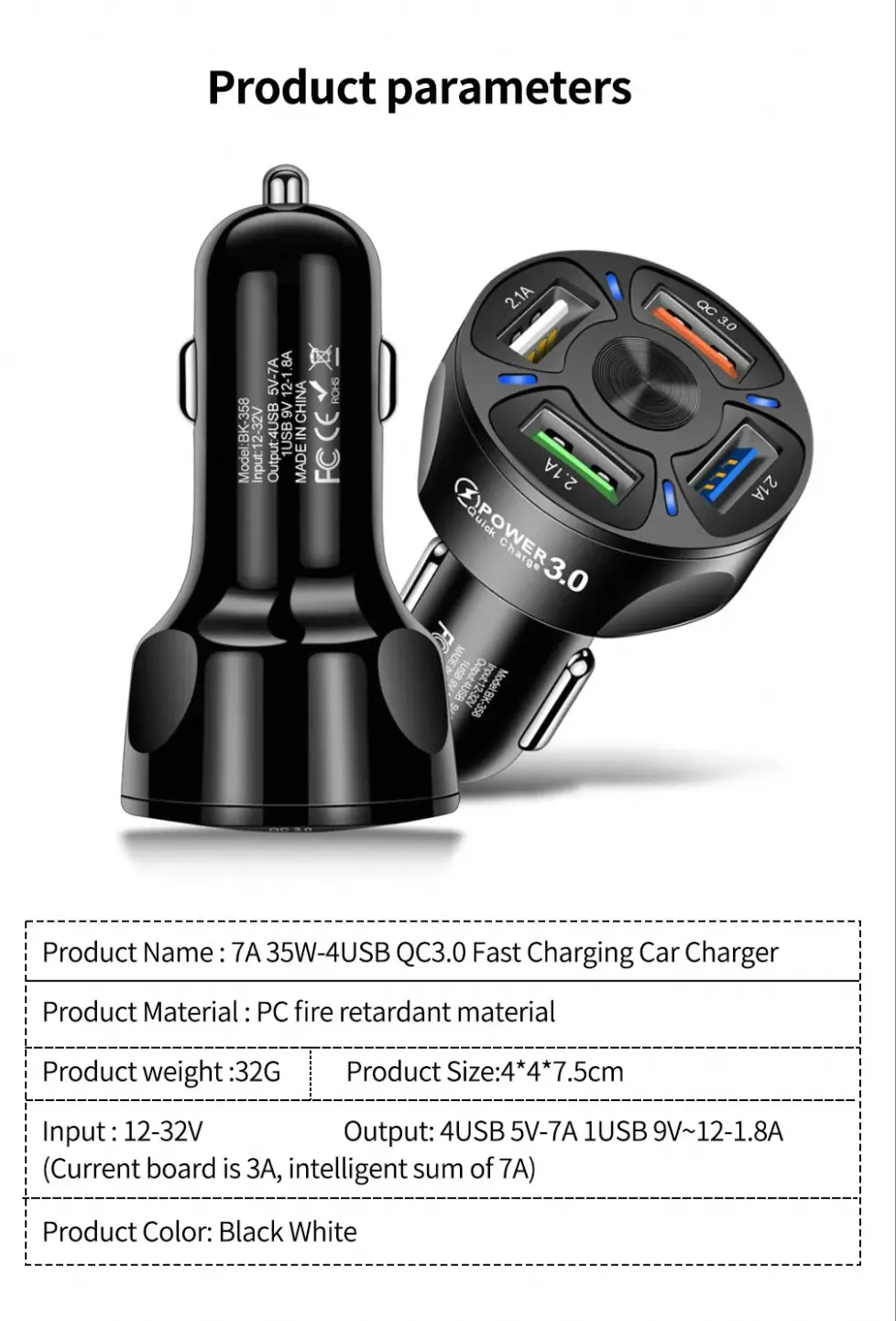
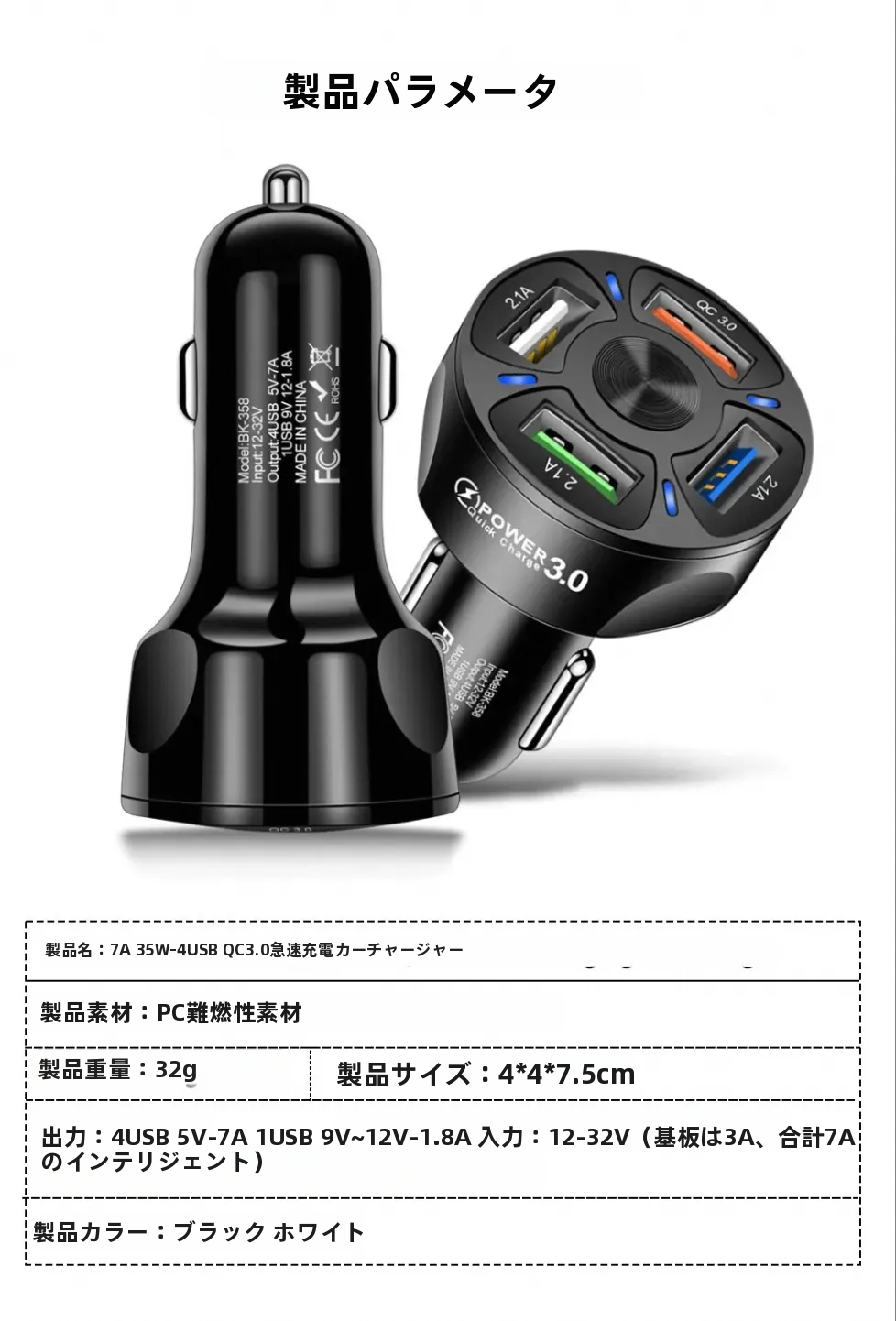
Infographic localized to Japanese
How-to · Infographic
Use cases
Localization teams, ecommerce, and agencies
Translate ad creatives, menus, and product visuals without asking designers to rebuild every market variation.
Ecommerce campaigns
Translate seasonal hero banners, promo badges, and PDP visuals for each market without redrawing files.
Product education
Localize diagrams, infographics, and onboarding cards while protecting arrows, numbers, and icons.
Food & travel
Convert menus, wayfinding, and signage to the target language with legible fonts that feel on-brand.
Slide decks & UI
Swap copy on app screens and slides while keeping corner radius, padding, and background art intact.
How it works
Translate visuals in three steps
Upload or paste a URL
Supports JPG/PNG/WebP. Drop a banner, menu, or product poster.
Pick source/target languages
Auto-detect is on by default; set the destination market you need.
Translate and download
The tool redraws translated text into place—export instantly.
Highlights
Localization quality without manual redraws
End-to-end text detection
Detects text regions, removes artifacts, and redraws the translation inside the same space.
Typography matching
Auto-picks similar fonts to your upload so brand weight, casing, and contrast look intentional.
Multi-language ready
Works with Latin-based languages plus Japanese/Korean; source language can be auto-detected.
Safe for mixed backgrounds
Edge-aware rendering keeps gradients, shadows, and photography untouched.
Export for every channel
Download translated PNG/JPG for ads, marketplaces, or handoff to your editors.
API + webhooks
Trigger localization from your CMS, DAM, or marketing automations with status callbacks.
FAQ
Image Translator — frequently asked questions
Start translating
Upload an image and localize it in seconds
Keep your layout, fonts, and photography intact while swapping copy to any market language. Export as PNG/JPG or keep editing in the Photo Editor.