
EcFotos
Powered by Flux, Nano Banana, Qwen, Seedance and Veo

AI Photo Editor for E-commerce

Make Product Images That Sell

From raw photo to listing-ready in seconds.

Remove backgrounds, generate scenes, translate text, and batch-process 100+ listing images in one workspace. No designer needed. No platform switching. Just upload and ship.

Credits
7

One shared workspace • Start with listing generation or broad AI photo editing

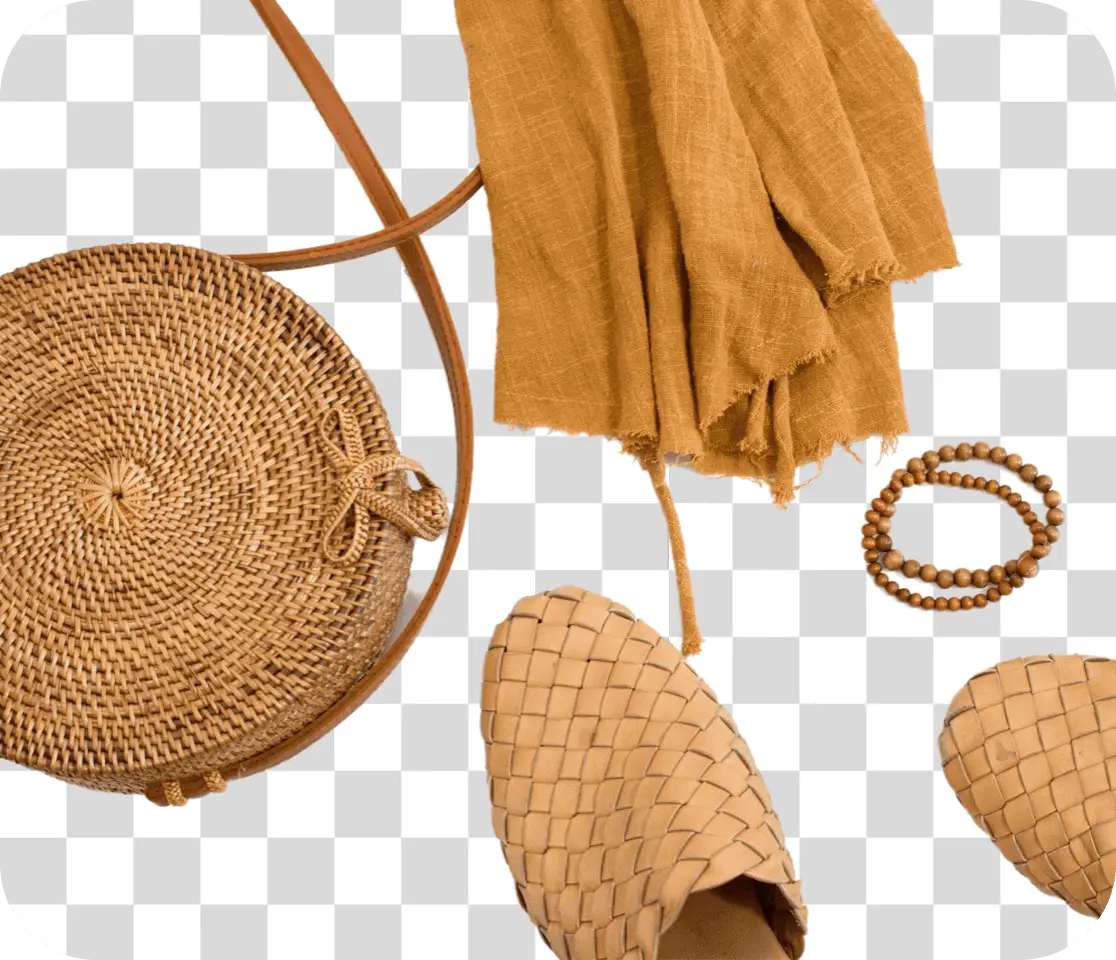
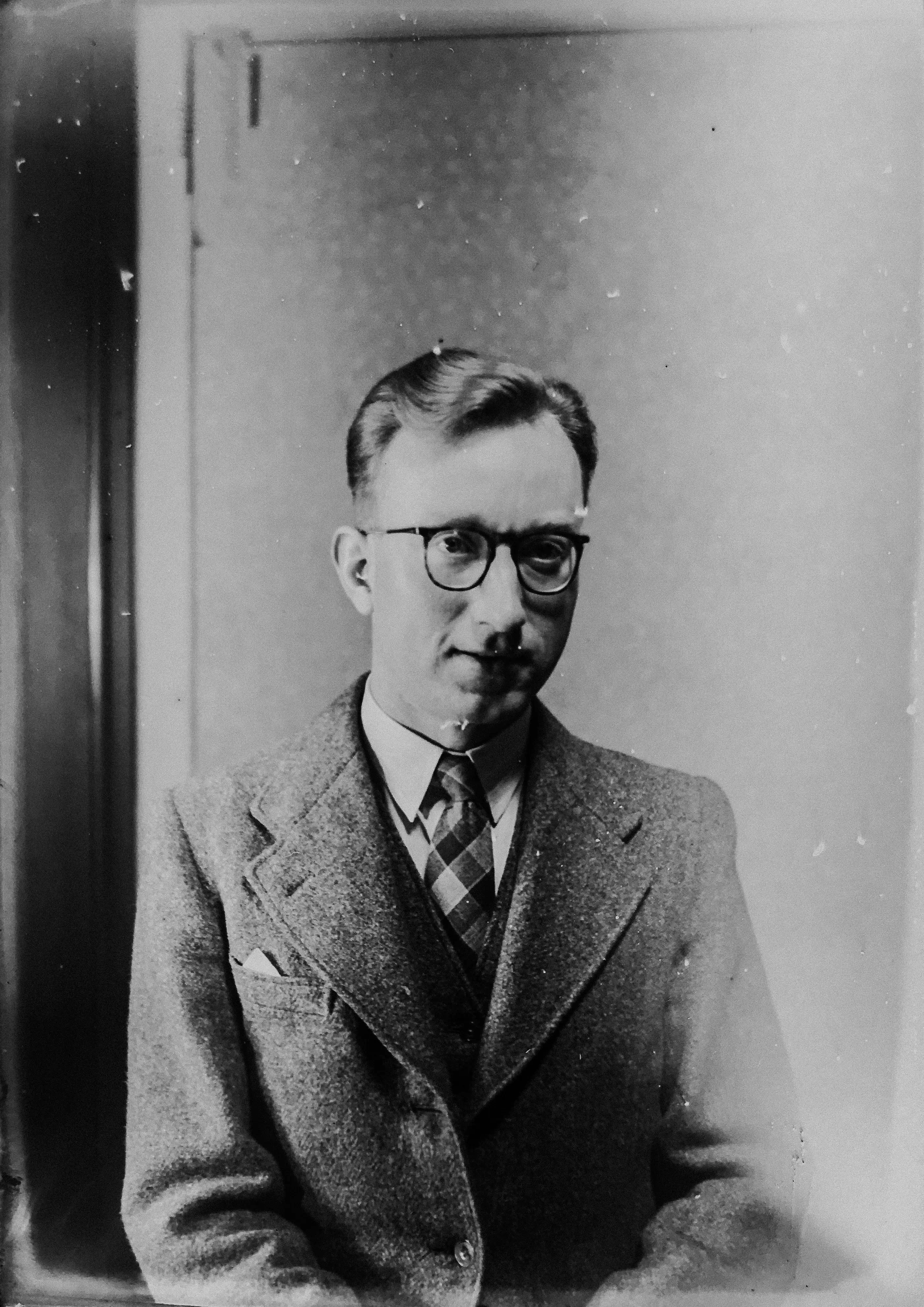
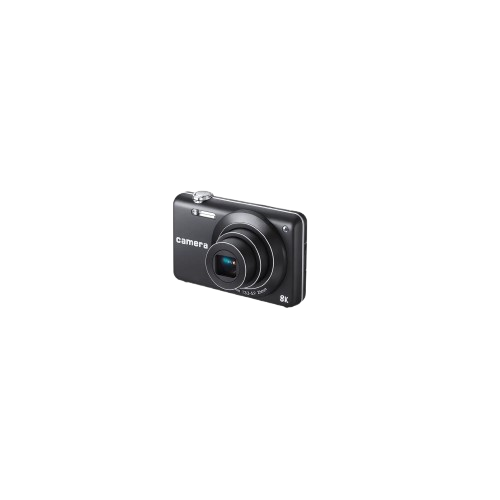
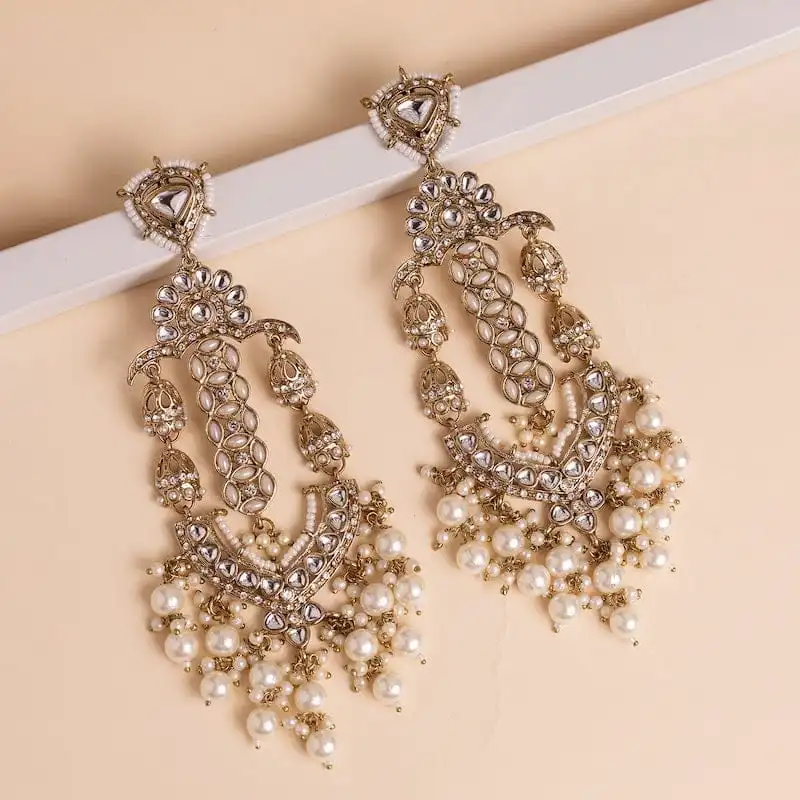
Jewelry product photo before background removal
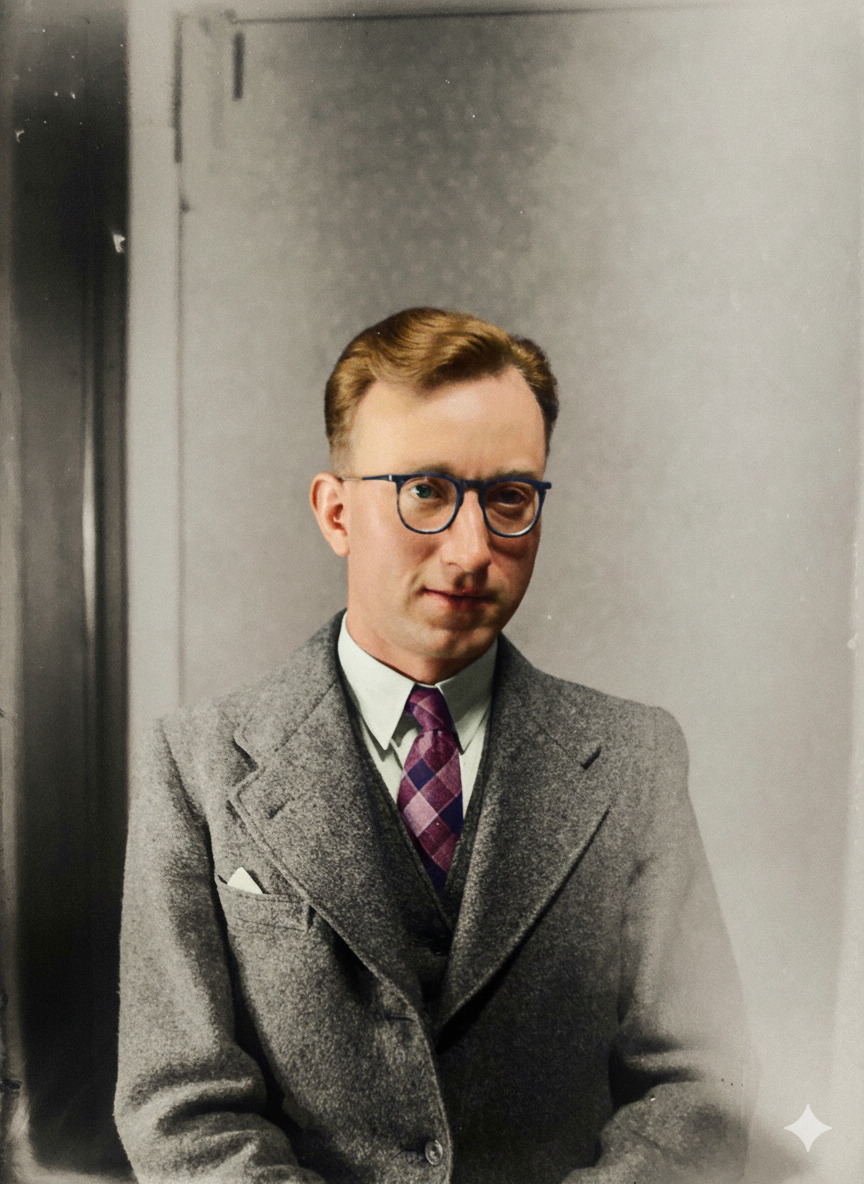
Jewelry product photo after background removal
Before
After
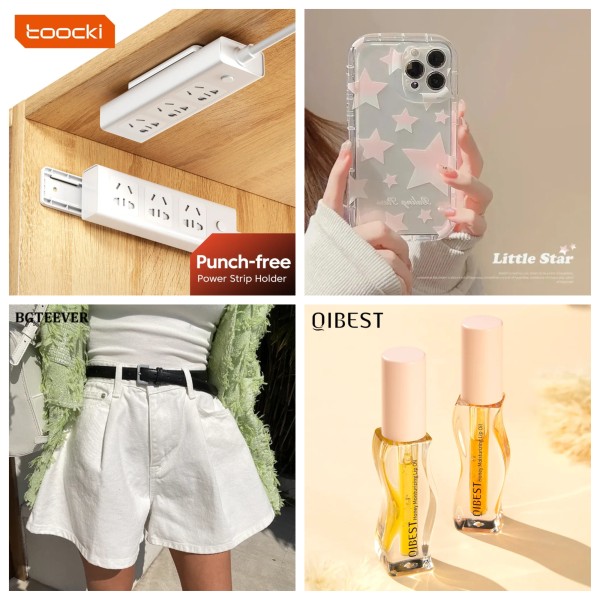
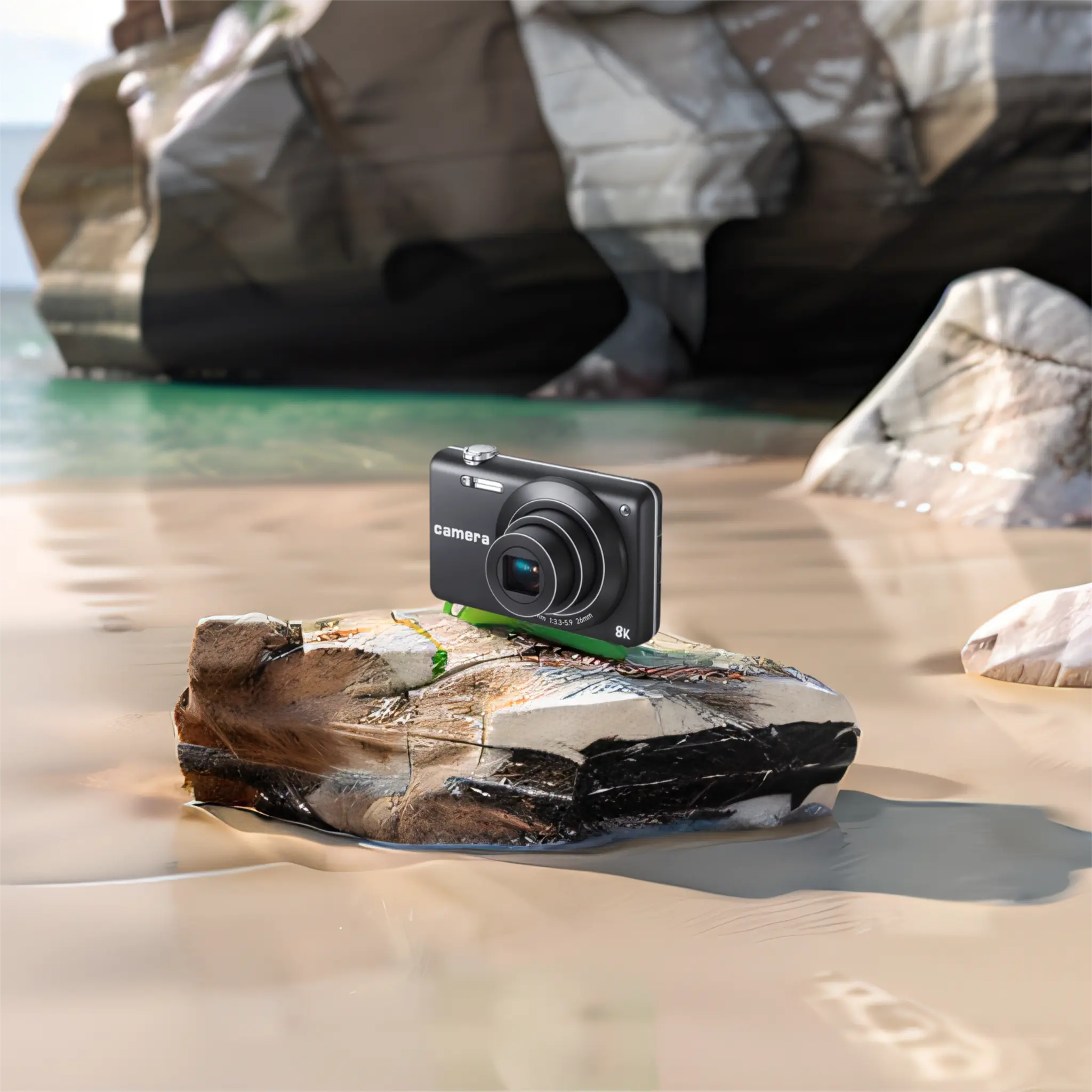
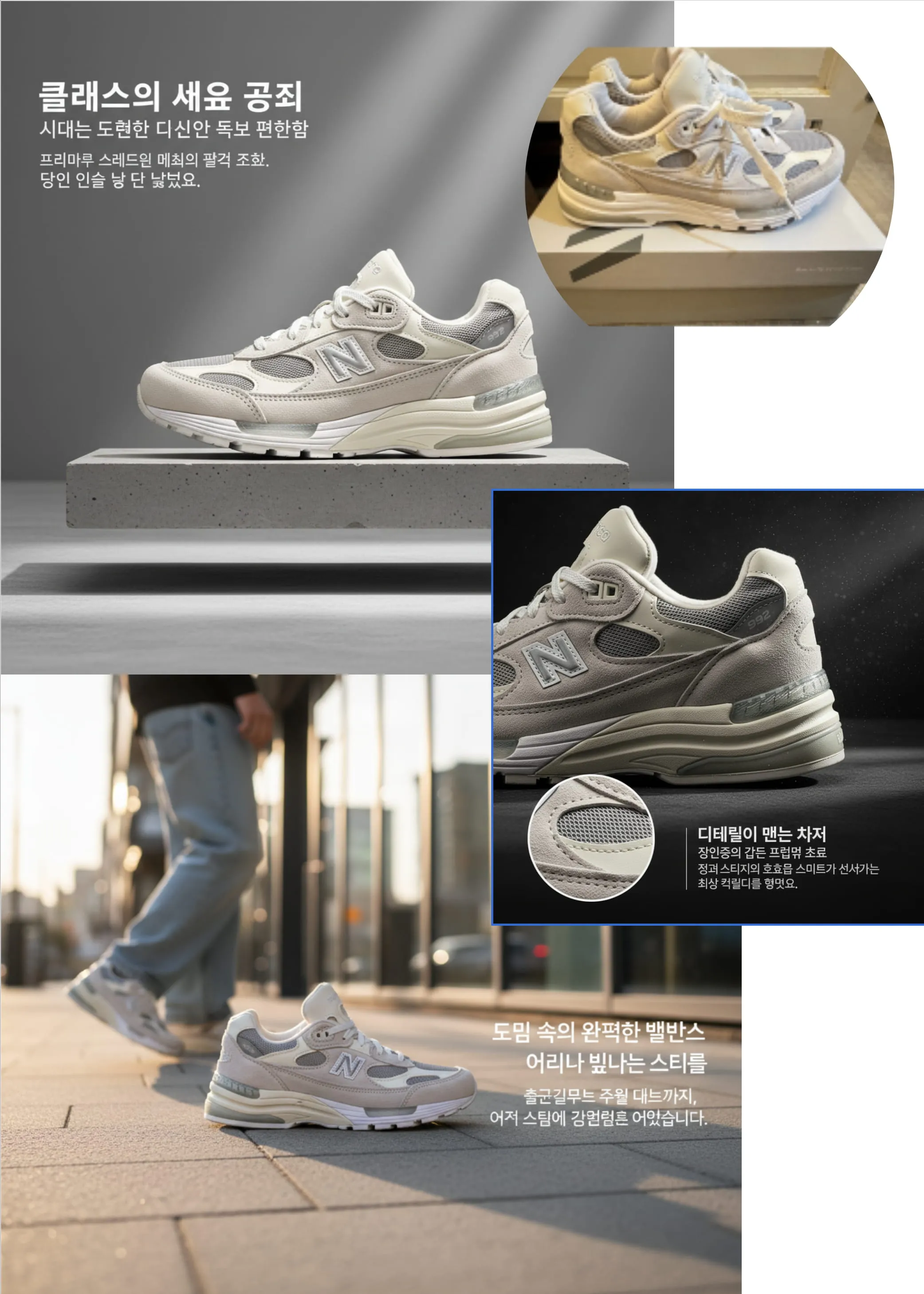
Generated product listing image
AI Listing Images

Full Workflow

Complete E-commerce Image Workflow

From raw product shots to platform-ready listings in minutes.

STEP ONE

Generate & Create

01

Create listing-ready product images with AI, even without a photoshoot.

  • Generate hero, lifestyle, and detail images from prompts
  • Skip the photoshoot when you need clean product visuals
  • Start faster for Amazon, Shopify, and marketplace listings

STEP TWO

Clean & Polish

02

Remove backgrounds, clean up unwanted marks, and add realistic shadows.

  • Remove background for marketplace-ready cutouts
  • Clean watermarks, logos, and unwanted distractions
  • Add grounded shadows so products look more natural

STEP THREE

Localize & Translate

03

Translate text inside your product images for global markets without rebuilding the design.

  • Translate image copy for different countries and storefronts
  • Keep the layout readable while changing the language
  • Prepare localized creatives faster for cross-border selling

STEP FOUR

Batch Process

04

Process 100+ images at once so product launches stay on schedule.

  • Apply the same cleanup flow across a full catalog
  • Handle large marketplace refreshes before major promotions
  • Keep more SKUs consistent with less manual work

Free Amazon Image Checker

Validate your main images meet Amazon's 2024 requirements in seconds.

Check Now →
E-commerce Solutions

How to Edit Product Photos for E-commerce

From raw product shots to platform-compliant listings. Choose your workflow.

Upload Image
STEP 01

Upload Image

Processing
STEP 02

Remove Background

Transparent / Solid Color
Generation
Vision Engine Pro

Add Shadow

STEP 03

Add Shadow

Add natural drop shadows
Ready to Download

product_image.png

2000 × 2000 px · PNG

Download
STEP 04

Download Product Image

Custom AI Generation

AI Image Generation Tools: Flux 2, Nano Banana, Z-Image

When standard tools aren't enough, use AI models to generate custom product photos, videos, and backgrounds with simple text prompts. No design skills required.

Supported Platforms

Built for global marketplaces

Trusted by sellers on the biggest social and commerce platforms.

Facebook logo
Instagram logo
Pinterest logo
Xiaohongshu logo
Shopify logo
Shopee logo
Lazada logo
Etsy logo
ebay logo
Walmart logo
Amazon logo
Ask AI For It badge
AIGC工具导航 badge
FAQs

AI Photo Editor for E-commerce: Your Questions Answered

Learn how ECFotos can help you create professional product images for Amazon, Shopify, Etsy, and more.

What is an AI photo editor for e-commerce?

An AI photo editor for e-commerce is a specialized tool that uses artificial intelligence to automatically edit product images for online selling. ECFotos combines background removal, image upscaling, watermark removal, and AI-generated product photography.

How do I remove backgrounds for Amazon compliance?

ECFotos automatically removes backgrounds and replaces them with Amazon-compliant pure white (RGB 255,255,255). We ensure your main images meet strict marketplace requirements to avoid listing rejections.

Is there a bulk product image editor?

Yes. ECFotos offers batch processing to edit hundreds of product images simultaneously. Apply background removal, upscaling, and export presets across your entire catalog in seconds.

How do I fix low-resolution supplier images?

Use our AI Image Upscaler to enhance low-resolution photos up to 4K quality. It reconstructs details and sharpens edges, making them zoom-ready for Amazon and Shopify.

Can I translate text on images for global selling?

Yes. Our Image Translator translates on-image text into 30+ languages while preserving your brand's font and layout, perfect for cross-border e-commerce.

How do I remove watermarks and supplier logos?

Use our Magic Eraser to remove supplier logos, Chinese text, and watermarks without leaving artifacts or blurry spots.

Can I add natural shadows to my products?

Yes. Our AI shadow generator adds natural drop shadows that make your products look professional and realistic, no photo studio required.

Do you offer a free plan?

Yes. Start free with 10 images, no credit card required. Our free forever plan lets you test all basic tools before upgrading.

Ready to list faster?

Make Product Images That Sell

Create clean, consistent listing photos in minutes—no design skills required.

Background removal and cleanup in seconds
Upscale and sharpen for zoom-ready detail
Translate on-image text for global listings
Optimize for Amazon, Shopify, Etsy and more