Studio-Quality Product Photography in Seconds
Create stunning product photography with AI. Generate professional backgrounds, perfect lighting, and magazine-ready product photos for e-commerce, Amazon, and your brand catalog.
Product Photography Generator
Drag & drop or click to browse
JPG, PNG, or WebP, max 10MB
💡 Works best with products on plain backgrounds
Generation Mode
No templates available
Live Preview
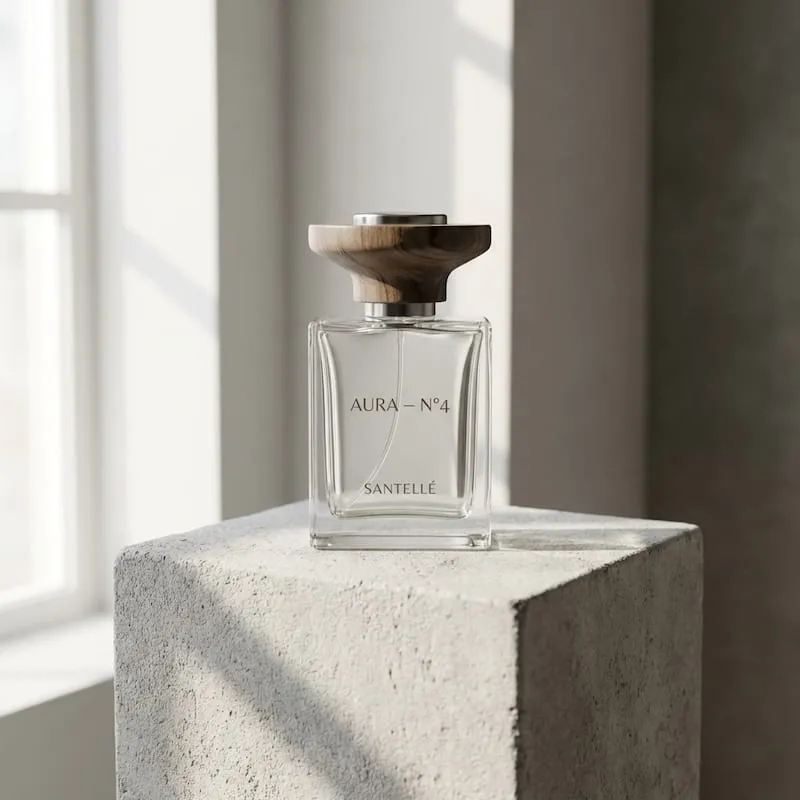
Example Result
Upload your product to get started
Why AI Product Photography?
Transform your product photos into professional e-commerce assets. Perfect for Amazon, Shopify, and online stores.
Trusted by leading ecommerce sellers on
Amazon white background product photo
Turn a raw packshot into a clean white background product photo that is easier to review for marketplace compliance.
- Use this when you need a cleaner hero image without redesigning the product itself.
- A white product background helps when the review focus is clarity, not styling.
- This is the fastest way to turn one product photo into a marketplace-ready visual.
Transform your product photography with AI-generated backgrounds. Perfect for e-commerce, Amazon listings, and brand catalogs.
Skincare product on marble
Use a text prompt to place one skincare bottle on a brighter marble surface with a premium product photography feel.
- A marble product background instantly gives beauty products a more premium position.
- Text mode is useful when you need a new idea faster than searching for a background image.
- This works well when the final goal is one stronger hero image for a product detail page.
Transform your product photography with AI-generated backgrounds. Perfect for e-commerce, Amazon listings, and brand catalogs.
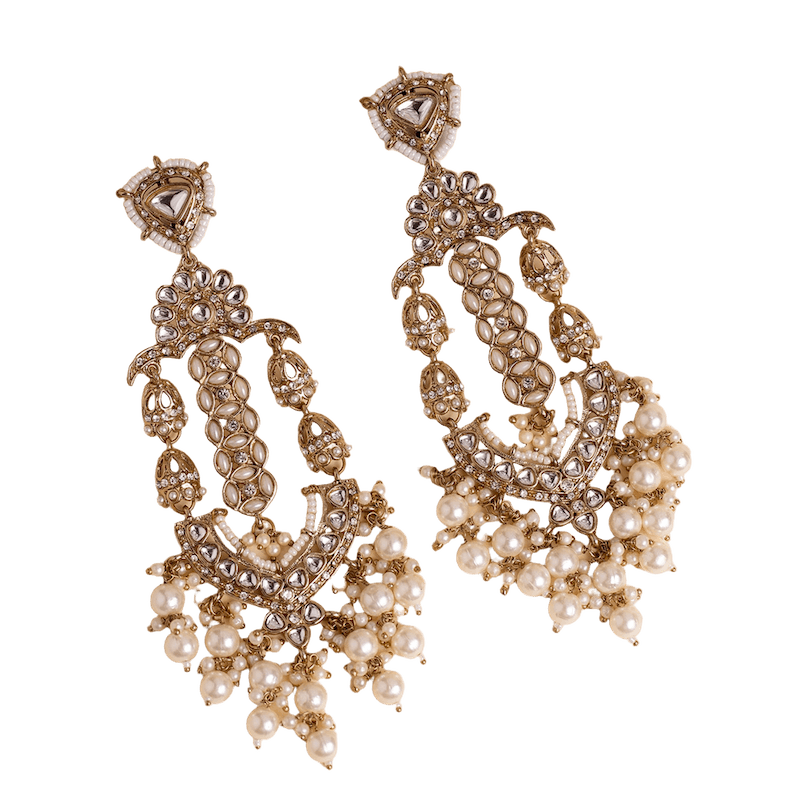
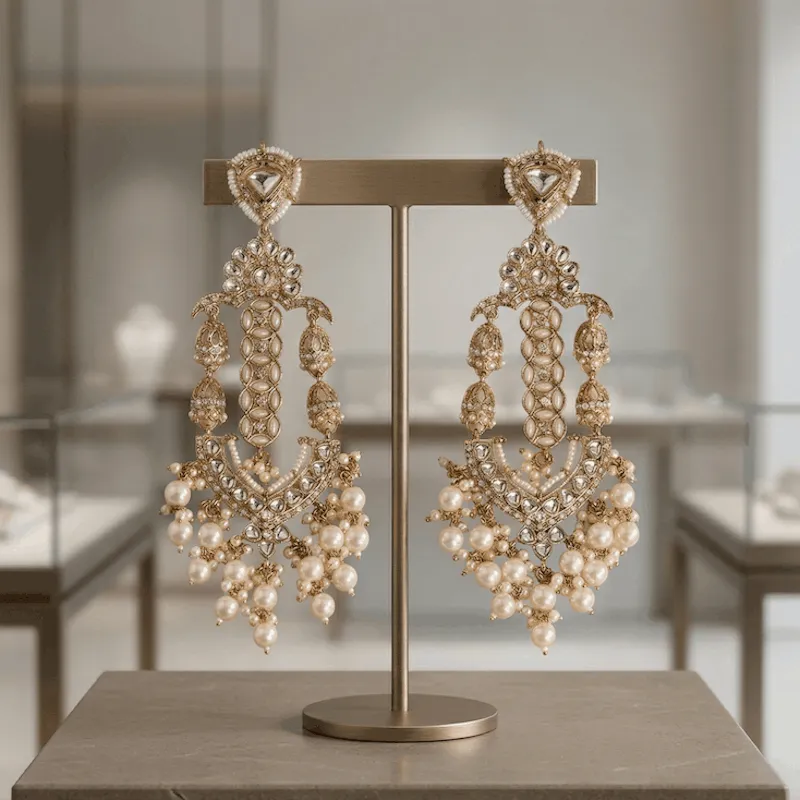
Jewelry product background with luxury reflection
Add a darker reflective product background when you need a richer premium look for jewelry and accessories.
- Reflection-heavy backgrounds help small products feel more premium without changing the item itself.
- Use prompt mode when you want to control tone, lighting, and material in one sentence.
- This is a strong fit for hero banners, premium product pages, and launch creatives.
Transform your product photography with AI-generated backgrounds. Perfect for e-commerce, Amazon listings, and brand catalogs.
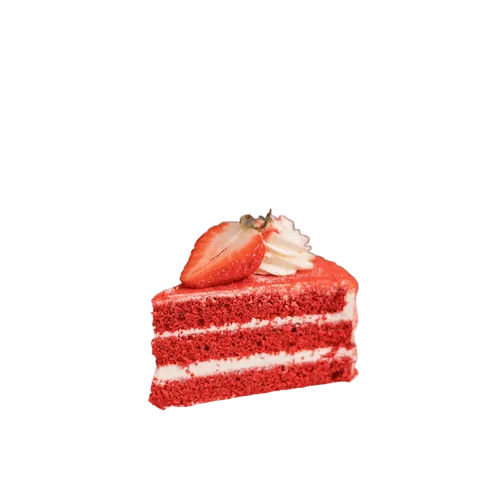
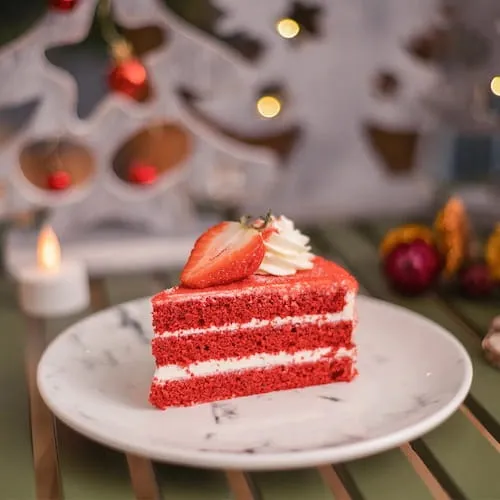
Food product on a kitchen surface
If you already have a branded countertop or campaign photo, upload that background and blend the product into it.
- Upload mode is best when you already have a campaign background and want the product inserted into it.
- This helps keep brand art direction more consistent across product launches and paid media.
- Use it when the background matters just as much as the product itself.
Transform your product photography with AI-generated backgrounds. Perfect for e-commerce, Amazon listings, and brand catalogs.
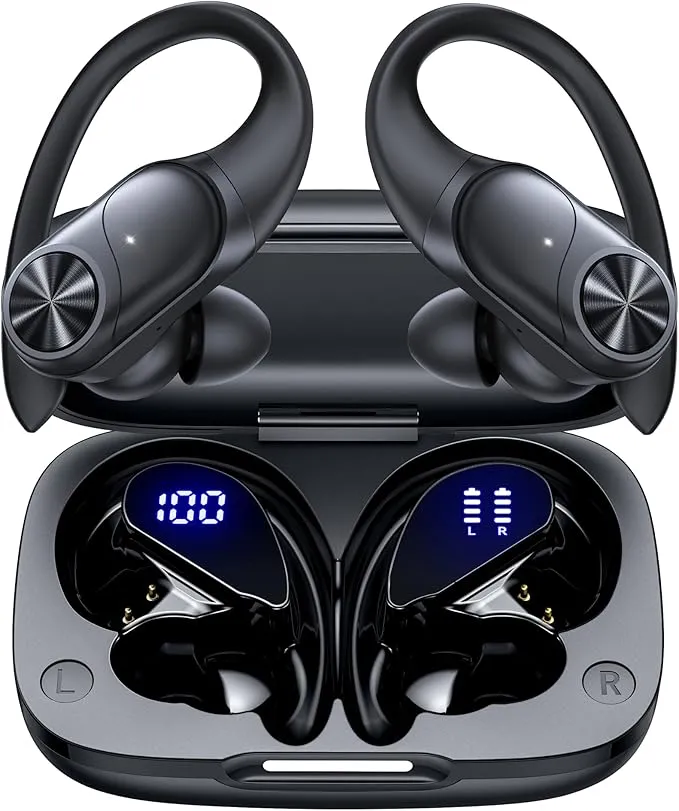
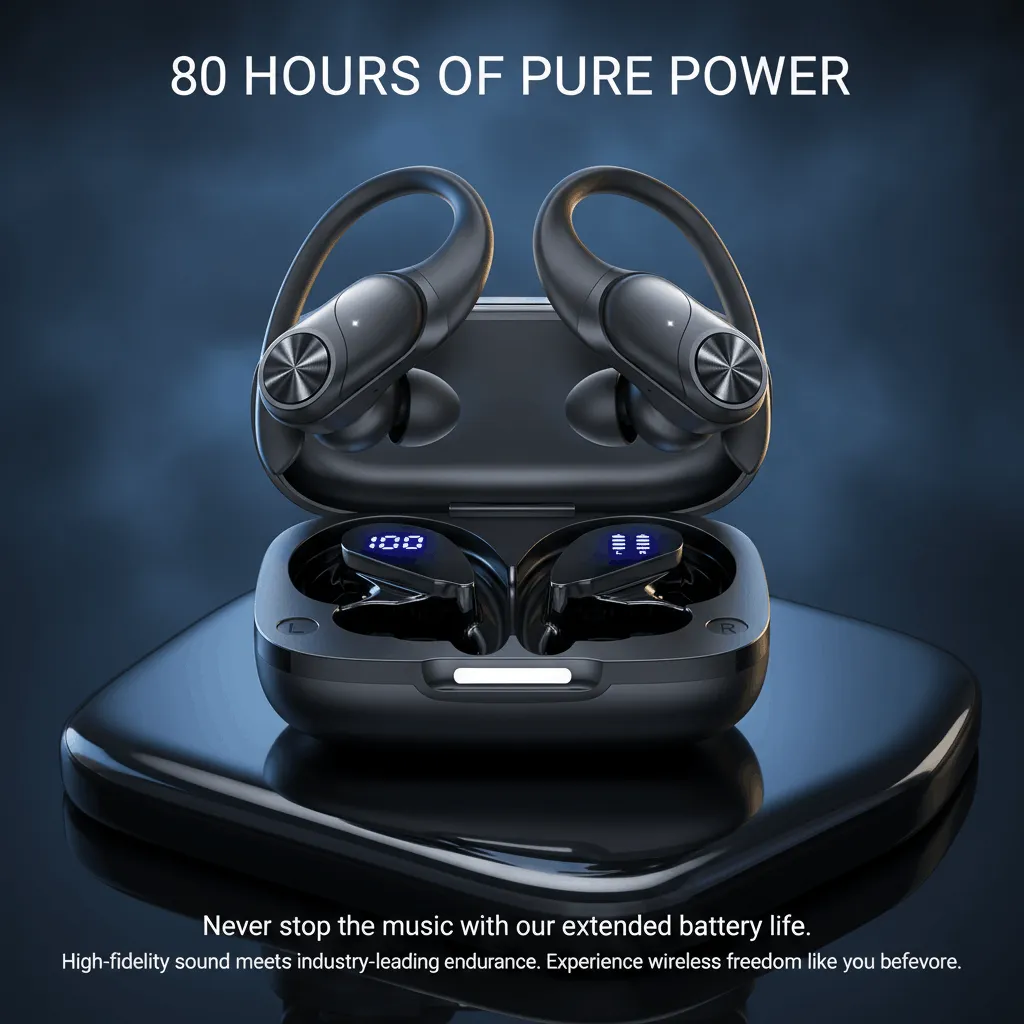
Earbuds with a cleaner hero background
Use one earbuds photo and turn it into a stronger electronics hero image for PDPs, ads, and marketplace detail pages.
- A cleaner hero background helps smaller electronics feel more premium and easier to scan on product pages.
- This is useful when you want one stronger earbuds image without building a full multi-image listing set.
- Start with the single-image tool, then move to AI Listing Images later if you need a broader product set.
Transform your product photography with AI-generated backgrounds. Perfect for e-commerce, Amazon listings, and brand catalogs.
How to use AI Product Photography
Create one stronger product photo in three quick steps.
Upload one product photo
Start with a phone shot, supplier image, or cutout that you want to place into a better product background.
Choose how you want to build the background
Pick a preset background, upload your own background image, or describe a new backdrop with text.
Generate and download the result
Review the new product photo, generate another variation if needed, and download the image for ecommerce, ads, or PDP testing.
Frequently Asked Questions
What is AI Product Photography?
AI Product Photography is a way to turn one product photo into a stronger ecommerce image by replacing or generating a better background around the product.
How do I replace a product background with AI?
Upload one product photo, choose a preset background, upload your own background image, or describe a new backdrop, then generate the new product photo.
Can I upload my own product image?
Yes. Start with your own JPG or PNG product photo, including supplier photos, phone shots, or already-cut product images.
Can I choose a preset background?
Yes. Preset backgrounds are the fastest option when you want a cleaner or more polished product photo without searching for a background image yourself.
Can I upload my own background image?
Yes. Upload mode lets you bring your own background image so the product can be blended into a campaign asset, branded setting, or custom product background.
Can I describe a background with text?
Yes. If you do not have a background image yet, you can describe the product background you want and generate it with text.
Can I make a white background product photo for Amazon?
Yes. A white background product photo is one of the clearest use cases for this tool, especially when you want a cleaner hero image for marketplace review.
Which image formats are supported?
You can upload JPG or PNG product images, and the generated product photo can be downloaded for ecommerce, product pages, and ad workflows.
Can I use the generated image commercially?
Yes. The generated product photo is intended for commercial ecommerce use such as listings, ads, product pages, and launch creatives.
What should I do if the product edges are not clean enough?
If the product edges need more cleanup before blending, use Background Remover first, then return to AI Product Photography for the new product background.
Related tools for the next step after AI Product Photography
Keep this page focused on one product photo and one better background. Move into the next tool only when the workflow actually needs it.
Explore All ToolsBackground Remover
Need a cleaner cutout before blending? Start here when the product edges are too rough for a better product background.
Image Upscaler
Want sharper detail after background replacement? Upscale the finished product photo when the output needs cleaner zoom or print detail.
AI Listing Images
Turn one hero image into a full listing set when you need more than one product photo for the same SKU.
Create one stronger product photo before you build the full listing
Use AI Product Photography when you need a cleaner hero image, a better product background, or a faster way to test creative directions without a studio shoot.