AI Shadow Generator for Product Photos
This AI Shadow Generator helps you add realistic shadows to product photos with three modes. Choose Drop Shadow for clean grounding, Hero Shadow for poster-style directional drama, or AI Shadow for credit-powered realism.
Modes
Drop, Hero, and AI Shadow
Pricing
Drop/Hero free, AI uses credits
Upload
JPG, PNG, WebP up to 10MB
Workflow
Up to 2 images here, more in Batch Editor
Three shadow modes
Drop, Hero, and AI
5-15 second processing
Fast cloud-based AI
Flexible lighting styles
Natural, directional, or matched
Focused quick workflow
Up to 2 images here
Examples
See the AI Shadow Generator in Action
Real examples showing how the AI Shadow Generator and its different shadow modes change the feel of a product image.
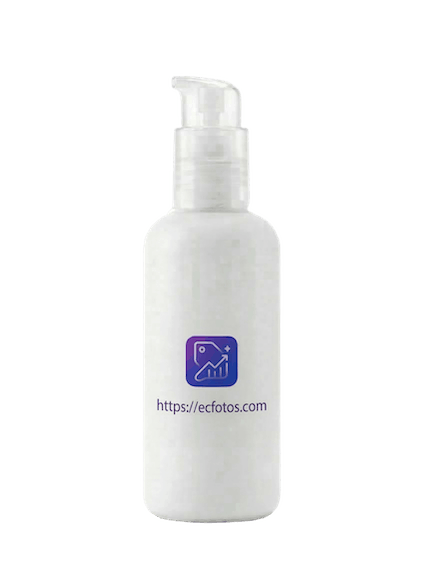
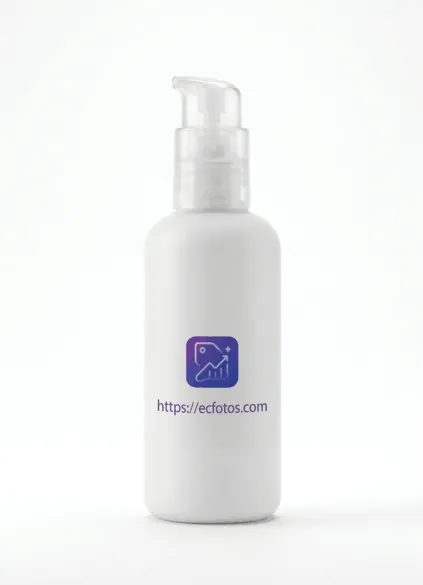
Product Shadow Generation
Add realistic shadows to product photos for professional listings
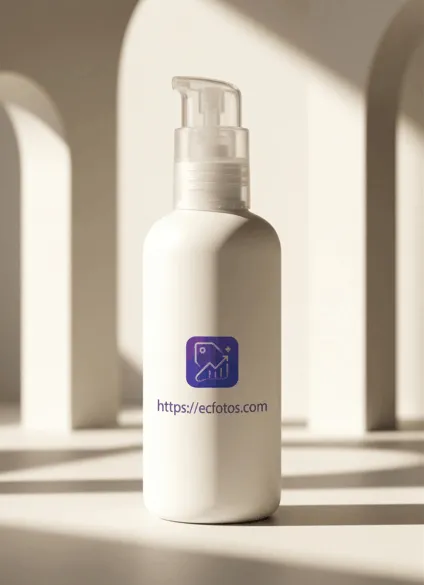
Multi-Direction Lighting
Choose from 5 different shadow directions for perfect lighting
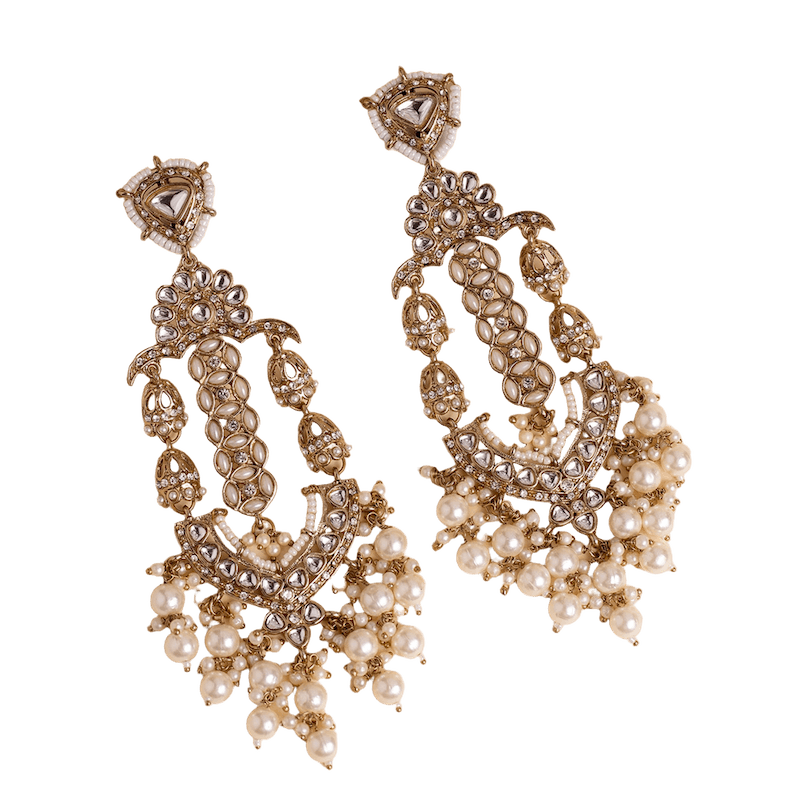
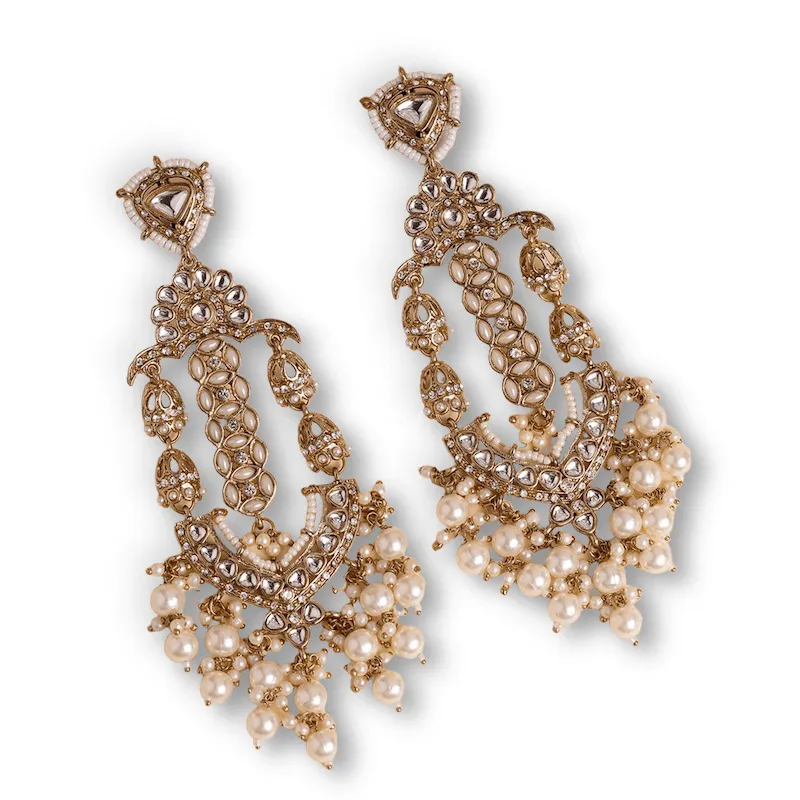
Jewellery Shadow for Detail Shots
Use cleaner shadow definition to separate reflective jewellery pieces and bring out metal, stone, and pearl details
Use Cases
Why Teams Use This AI Shadow Generator
Use this AI Shadow Generator for clean ecommerce grounding, stronger hero-style campaign visuals, and more realistic AI shadow refinement when the image needs extra polish.
Ecommerce Product Listings
Use the AI Shadow Generator in Drop Shadow mode to give isolated products a clean, grounded look for catalog pages, marketplaces, and standard storefront imagery.
Hero Banners and Paid Ads
Use Hero Shadow when you want a stronger directional look for posters, paid social creatives, landing-page heroes, and campaign visuals.
Premium Product Presentations
Use the AI Shadow Generator in AI mode for more natural, prompt-guided realism when basic grounding is not enough and the subject needs a more polished studio feel.
Fast Comparison and Iteration
Test up to two images quickly in this page before sending larger batches into Batch Editor for broader production work.
Creative Studio Mockups
Mix transparent or colored backgrounds with different shadow styles to build cleaner mockups for presentations, portfolios, and concept reviews.
Pre-Batch Decision Making
Use this tool as a decision layer: validate which style works best, then move to Batch Editor when you already know the winning direction.
How It Works
How to Use the AI Shadow Generator in 3 Steps
Upload Your Product Photos
Upload one or two images to test your shadow direction quickly. This page supports JPG, PNG, and WebP files up to 10MB each. For 3+ images, switch to Batch Editor.
Choose Drop, Hero, or AI Shadow
Use Drop Shadow for clean grounding, Hero Shadow for stronger directional marketing visuals, or AI Shadow for prompt-guided realism with shadow type, direction, and intensity controls inside the AI Shadow Generator.
Download Professional Results
Review the result in the preview panel, download a single image when you like it, or export all current results together. For bigger production runs, continue in Batch Editor.
Advanced Features
What This AI Shadow Generator Does Best
Three Distinct Shadow Modes
This AI Shadow Generator combines three workflows in one place. Drop Shadow handles clean grounding, Hero Shadow creates stronger campaign-style direction, and AI Shadow adds prompt-guided realism when you need more nuance.
AI-Powered Realistic Shadows
The AI Shadow Generator analyzes your product shape, size, and positioning to generate natural-looking shadows that match real-world lighting conditions. No more flat, unrealistic product photos.
Quick Validation Before Batch Work
This page is optimized for fast single and two-image testing. When you need to process larger sets, jump to Batch Editor after you lock the right style.
Customizable Shadow Intensity
Adjust shadow opacity, blur, and intensity to match your brand aesthetic. Create subtle shadows for minimalist designs or bold shadows for dramatic product presentations.
Background Color Options
Generate shadows on transparent backgrounds or choose from preset colors. Perfect for different marketplace requirements and brand guidelines across various platforms.
High-Quality Output
Maintain original image quality while adding professional shadows. Our AI preserves image details and resolution, ensuring your product photos look crisp and professional.
Directional and Matched AI Controls
AI Shadow supports natural below-object shadows, front-left and front-right direction, backlit looks, and a match-existing-shadows option, giving the AI Shadow Generator more contextual control.
Transparent Pricing by Mode
Drop Shadow and Hero Shadow run locally in the browser. AI Shadow consumes credits per image and is best used when you need stronger realism.
Multiple Format Support
Works with JPG, PNG, and WebP image formats. Upload images up to 10MB each and download results in PNG format with transparent backgrounds for maximum flexibility.
Mode Comparison
Compare Drop Shadow, Hero Shadow, and AI Shadow
Use this quick comparison table to choose the right shadow mode before you generate. Each mode serves a different product-photo intent.
Mode
Drop Shadow
Best for
Standard ecommerce product photos and clean catalog images
Cost
Free
Controls
Preset, intensity, softness, shadow color, background
Result style
Clean, grounded, and conservative
Mode
Hero Shadow
Best for
Ads, banners, posters, and stronger campaign visuals
Cost
Free
Controls
Intensity, softness, shadow color, background
Result style
Bold, directional, and more dramatic
Mode
AI Shadow
Best for
More realistic studio-style shadows and guided shadow refinement
Cost
Credits
Controls
Shadow type, direction, intensity, shadow details
Result style
Natural, refined, and more photographic
Next Steps
Continue the Product Photo Workflow
These internal links follow the next user intent after shadow editing: remove the background, process more files, turn the result into listing creatives, or move into broader product photography work.
remove background and add shadow
Background Remover
Use this first when you need to remove the background and add a shadow in one workflow. Cleaner cutouts usually produce cleaner shadow edges.
add shadow to multiple product photos
Batch Editor
Go here when you want to add shadows to multiple product photos instead of testing one or two images on the main shadow page.
product listing image workflow
AI Listing Images
Use this after shadow generation when you need marketplace-ready product listings, alternate scenes, or stronger conversion-focused creatives.
product photography workflow
Product Photography
Move here when a simple product shadow generator is not enough and you want a fuller product photography setup, styling, or scene treatment.
Frequently Asked Questions
AI Shadow Generator FAQ
Try the AI Shadow Generator Now
Start with Drop Shadow for clean grounding, switch to Hero Shadow for ad-ready direction, and use AI Shadow when you need credit-powered realism inside the AI Shadow Generator workflow.